
Azure 3-tier web app diagram
The short version: The 3-tier pattern separates a web app into presentation, application (logic) and data tiers. This template lays them out on Azure — App Service front end, an API/logic tier, and Azure SQL Database — with Key Vault, Application Insights and storage. Free and editable in Calma Studio, with export to Bicep, Terraform or ARM. Open this template →
What it shows. A presentation tier (App Service or a static front end), an application tier serving business logic (App Service / API), and a data tier (Azure SQL Database), with cross-cutting services — Key Vault for secrets, Application Insights for telemetry, and a Storage account.
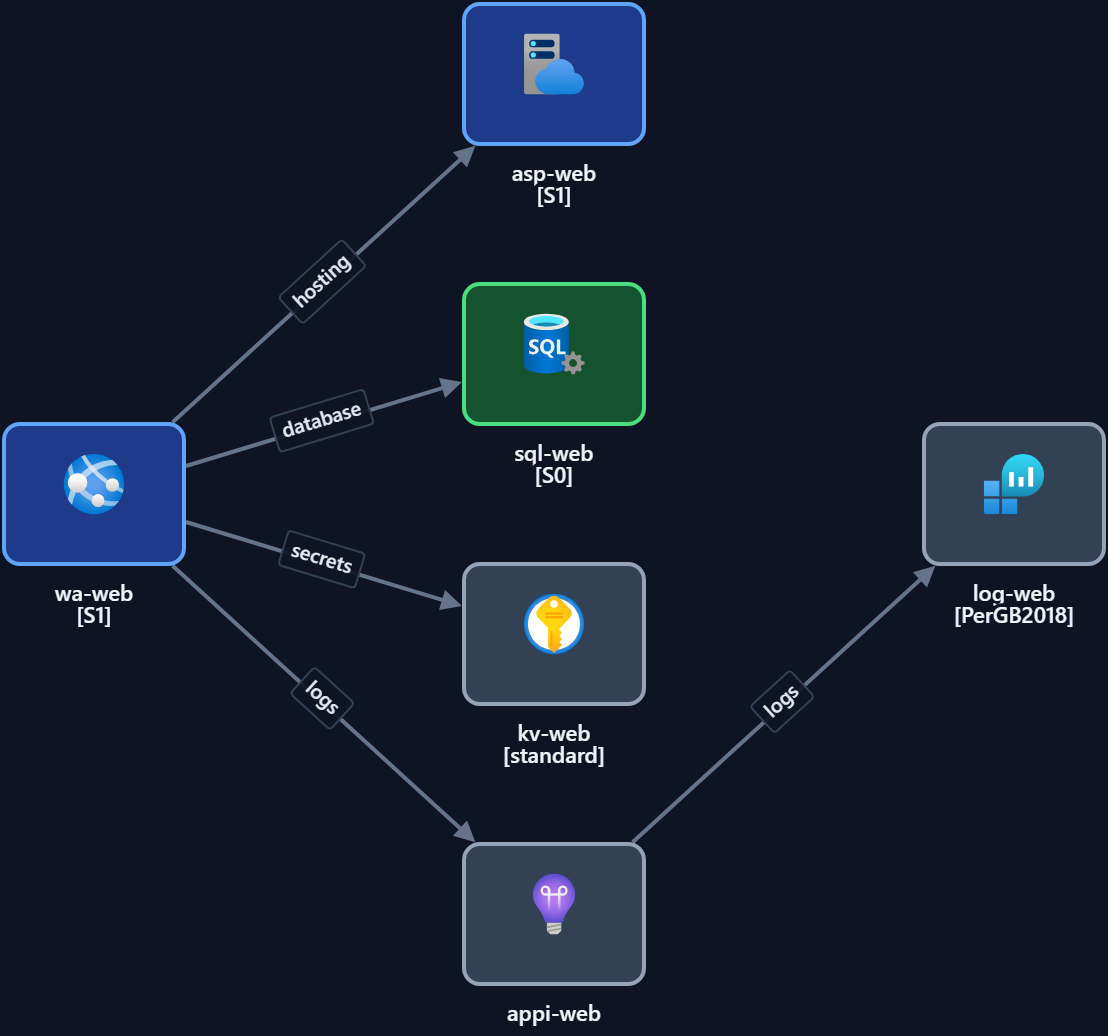
Key components
| Tier / component | Role |
|---|---|
| Presentation (App Service / front end) | Serves the UI to users |
| Application (App Service / API) | Business logic and APIs |
| Data (Azure SQL Database) | Persistent relational data |
| Key Vault | Connection strings and secrets |
| Application Insights | Application telemetry |
| Storage account | Files, blobs, static assets |
When to use it. A web application with a clear separation between UI, logic and data — the most common shape for line-of-business apps. For the minimal version without a separate logic tier, see the App Service + SQL pattern.
Make it yours. Open it in Studio, swap in your services, set regions and tags, then export to code.
Open the 3-tier template — free →
FAQ
- What are the three tiers? Presentation (UI), application (logic/APIs) and data (database).
- 3-tier vs App Service + SQL — what's the difference? 3-tier adds a distinct logic tier between UI and data; App Service + SQL is the two-tier minimal version.
- Can I export it to IaC? Yes — Bicep, Terraform or ARM from Studio.
- Is it free? Yes, free and editable, no signup.